

Right to left
Arabic and Hebrew App Store screenshots
Localize your screenshots for Arabic and Hebrew without rebuilding the design. Text runs right to left in the editor and in the exported images.
What right-to-left changes in a screenshot
Arabic and Hebrew read from right to left, and Arabic letters join into words. Text drawn with the wrong base direction puts punctuation, and any Latin word such as your app's name, on the wrong end of the line.
AppReleaseKit sets the direction per language, so a headline renders the way the language reads, in the editor and in the exported image.
Set up Arabic or Hebrew
- 01
Add the language
Choose Arabic (ar-SA) or Hebrew (he) from the 27 store locales.
- 02
Pick a font with the letters
Noto Sans Arabic and Noto Sans Hebrew are in the font list. Without one, the browser falls back to a default face.
- 03
Translate in place
Switch to the language and type or paste the translation. The text box runs right to left as you edit.
- 04
Check every screen
Open the text check to see anything that no longer fits, then change the size or style for that language only.
The layout is yours to arrange
Text direction flips for Arabic and Hebrew. Devices, images and shapes stay where you placed them, so look at each screen the way an Arabic or Hebrew reader would scan it, and rearrange where it helps.
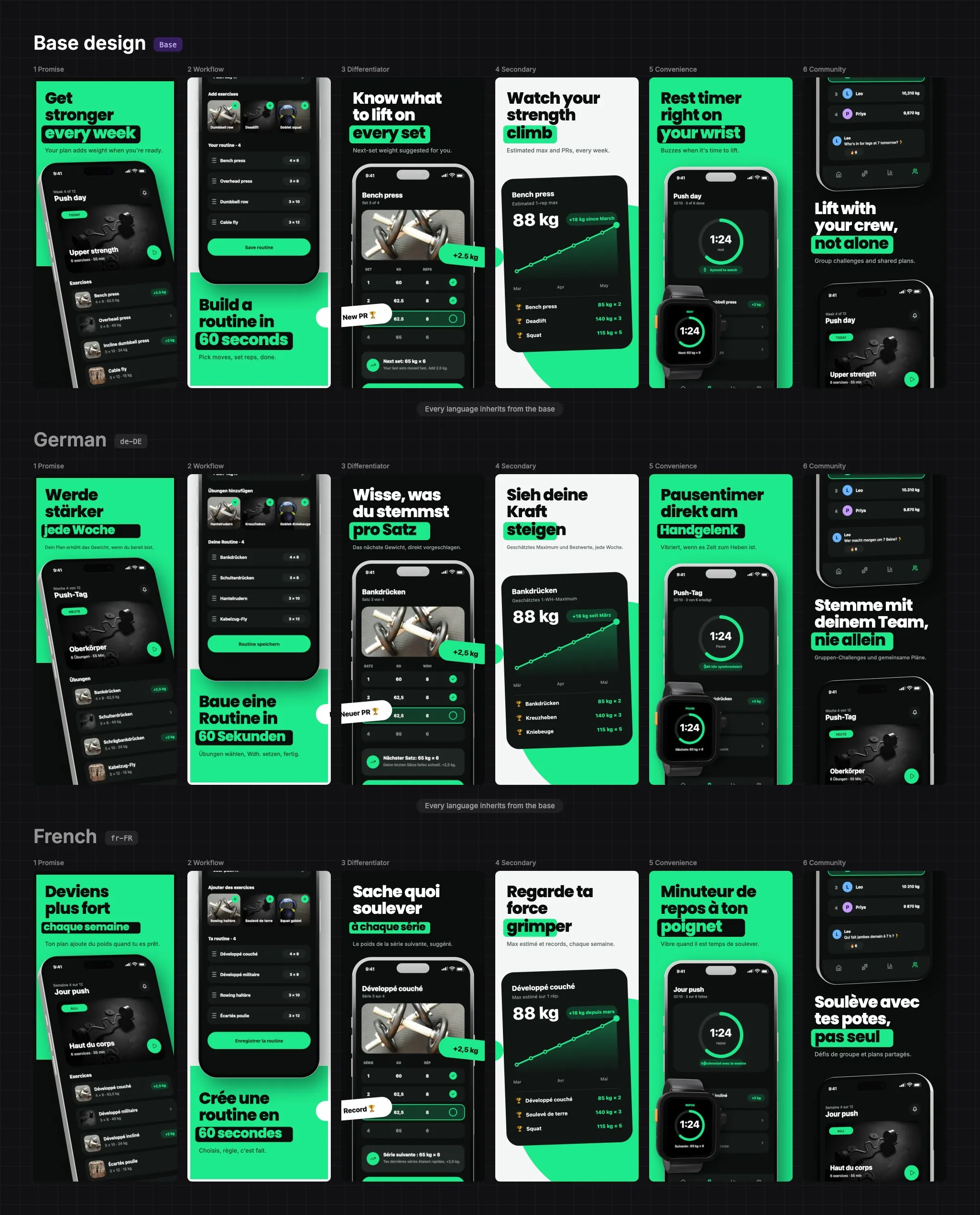
Export with the right direction
The exported images use the same direction as the editor, so what you see is what you upload. Each language is written to a folder named with its store locale code, ar-SA and he.
Frequently asked questions
Does AppReleaseKit support Arabic and Hebrew screenshots?
Yes. Both are among the 27 store locales, and text runs right to left in the editor and in the exported images.
Do Arabic letters join correctly?
Yes. The text is drawn by the browser's own text engine, so with a font that has the Arabic letters, such as Noto Sans Arabic, they join as they do on a web page.
Is the layout mirrored automatically?
No. Only the text direction flips. Devices, images and shapes stay where you put them, so adjust each screen if the reading order calls for it.
Can the Arabic headline have its own size?
Yes. Size and style can be set for one language without touching the others, which is useful when a translation is longer or shorter than the English.