
fastlane
Screenshots, ready for fastlane deliver and supply
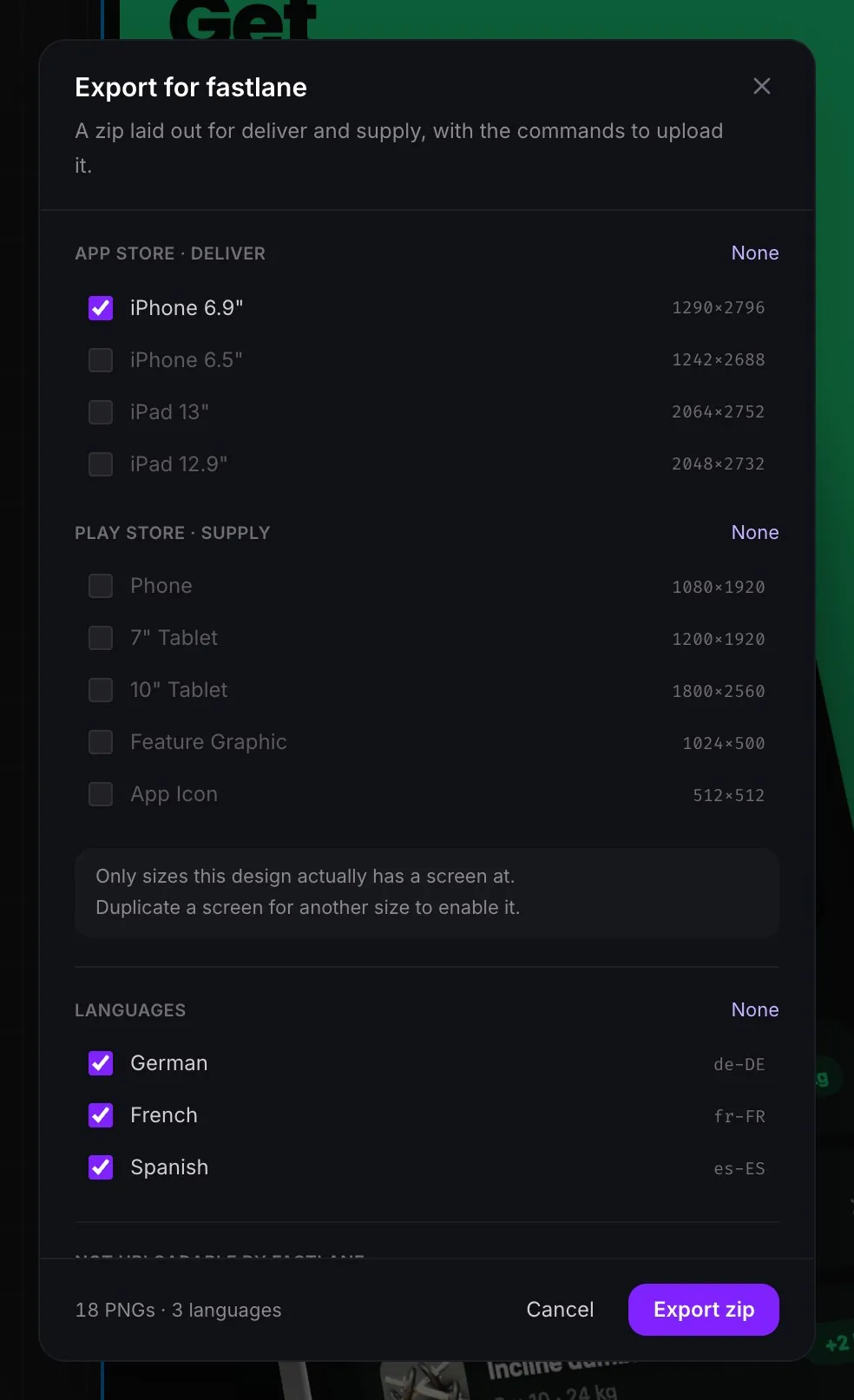
Skip the manual upload. AppReleaseKit writes your screenshots into the folder tree fastlane reads, so you upload every language and size with one command.
The folder layout
fastlane deliver reads App Store screenshots from a flat folder per locale, ordered by filename. fastlane supply reads Google Play images from a metadata folder per locale. The export writes both.
screenshots/
  en-US/
    01-ios-6.9-Promise.png
    02-ios-6.9-Workflow.png
  de-DE/
    01-ios-6.9-Promise.png
metadata/android/
  en-US/images/phoneScreenshots/
    01-Promise.png
fastlane/Fastfile
README.md
Upload with one command
Run the command from inside the exported folder. deliver works out each screenshot's device from its pixel size, so the files need no special naming.
fastlane deliver \
  --screenshots_path ./screenshots \
  --skip_binary_upload true \
  --skip_metadata true \
  --overwrite_screenshots true
What the zip includes
- A folder per language, named with the store locale code.
- App Store sizes for deliver and Google Play sizes for supply, numbered so they upload in order.
- A fastlane/Fastfile with a lane for each store, if you prefer lanes to raw commands.
- A README with the exact commands and the two things to check before the first run.
Before your first run
- Every locale in the export has to already exist on the app in App Store Connect. deliver will not create one for you.
- Overwriting replaces the existing screenshot set for those locales. Drop that option if you would rather add to what is there.
- supply needs a Google Play service account key.
- Mac and Windows sizes have no place in either tool, so they are offered in the standard zip only.
Frequently asked questions
What folder structure does fastlane deliver expect for screenshots?
A screenshots folder with one subfolder per locale, such as screenshots/en-US, holding the images ordered by filename. deliver detects the device from each image's resolution.
Does it work with fastlane supply for Google Play?
Yes. Play images are written under metadata/android/<locale>/images, in phoneScreenshots, sevenInchScreenshots and tenInchScreenshots, with the feature graphic and icon as single files.
Do I need to write a Fastfile?
No. The raw fastlane commands in the README work on their own. A Fastfile is also included if you want lanes, and it sits in its own fastlane folder so it will not collide with yours.
Can I upload several languages at once?
Yes. Each language has its own folder, and one deliver or supply run uploads all of them.