
Google Play
A Google Play Store screenshot maker
Compose Play Store screenshots with real 3D Pixel and Galaxy frames, add the feature graphic and tablet screens, and export every size at Google's exact dimensions.
Everything the Play listing asks for
One design can produce the phone screenshots, the 7-inch and 10-inch tablet screens, the 1024 × 500 feature graphic and the 512 × 512 icon.
| Image | Size (px) |
|---|---|
| Phone screenshot | 1080 × 1920 |
| 7" tablet screenshot | 1200 × 1920 |
| 10" tablet screenshot | 1800 × 2560 |
| Feature graphic | 1024 × 500 |
| App icon | 512 × 512 |
Real devices, at any angle
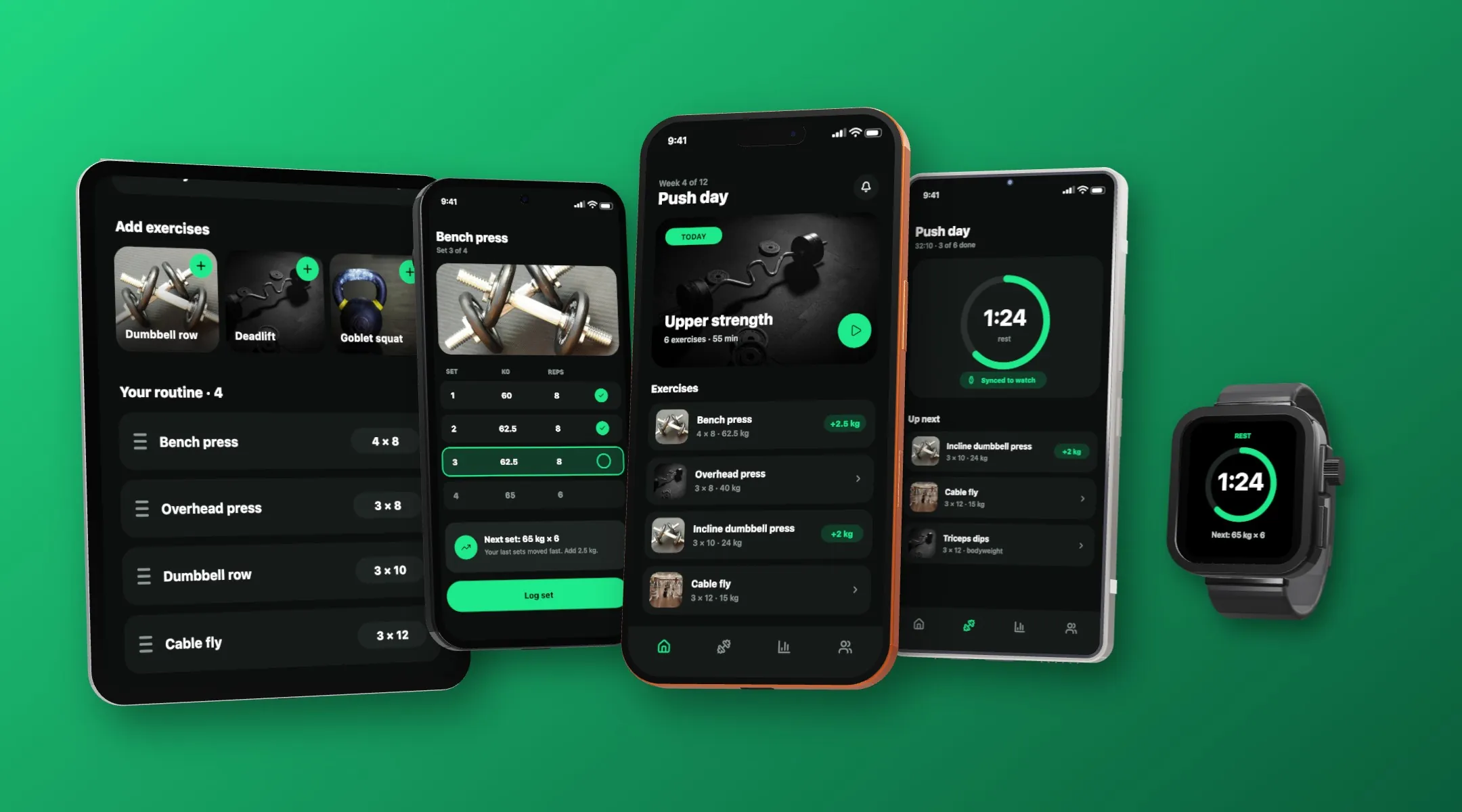
Frame your Android screens in real 3D models, including Pixel 10 Pro and Samsung Galaxy phones, and turn them to any angle. Your screenshot stays mapped to the screen the whole time.
Localize for every Play listing
Translate the set into the languages you ship in, then export a folder per locale. With fastlane supply, one command uploads them all.
Start from a template
Pick a ready-made template, swap in your screens and copy, and export. The gallery has finished sets for fitness, finance, travel, language learning and more.
Frequently asked questions
What size are Google Play screenshots?
Phone screenshots are 1080 × 1920 pixels, 7" tablet screenshots are 1200 × 1920 and 10" tablet screenshots are 1800 × 2560. The feature graphic is 1024 × 500 and the icon is 512 × 512.
Can I make the Play Store feature graphic?
Yes. Add a screen at the feature graphic size and build it on the same canvas as the rest of your set.
Does it have Pixel and Galaxy device frames?
Yes. There are real 3D models for Google Pixel and Samsung Galaxy phones and tablets, as well as iPhone, iPad, Apple Watch and MacBook.
Can I upload to Google Play automatically?
Yes. Export for fastlane and run fastlane supply. The export writes the metadata folder supply reads, with every language and size.