Hundreds of ready-made pieces
Badges, ratings, buttons, charts, device frames and app screens. Drop one in, then change the words and colors to match your app.
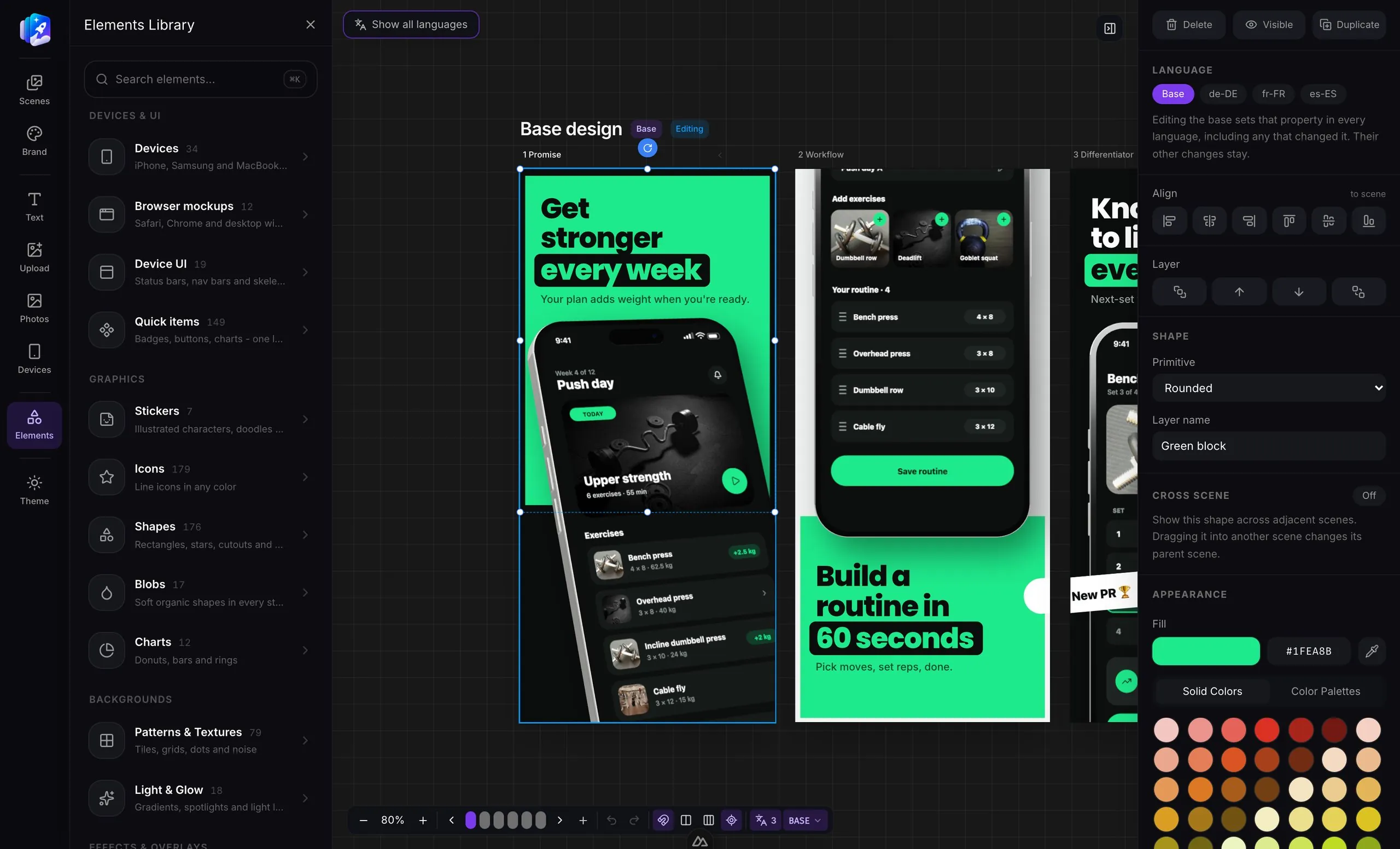
Design your App Store and Play Store screenshots once, translate them into 27 store languages, and export every size in one click, in the folder layout App Store Connect and fastlane expect. No Photoshop, no copy-pasting a design per language.
Free to start · No credit card · Every store size, in every language
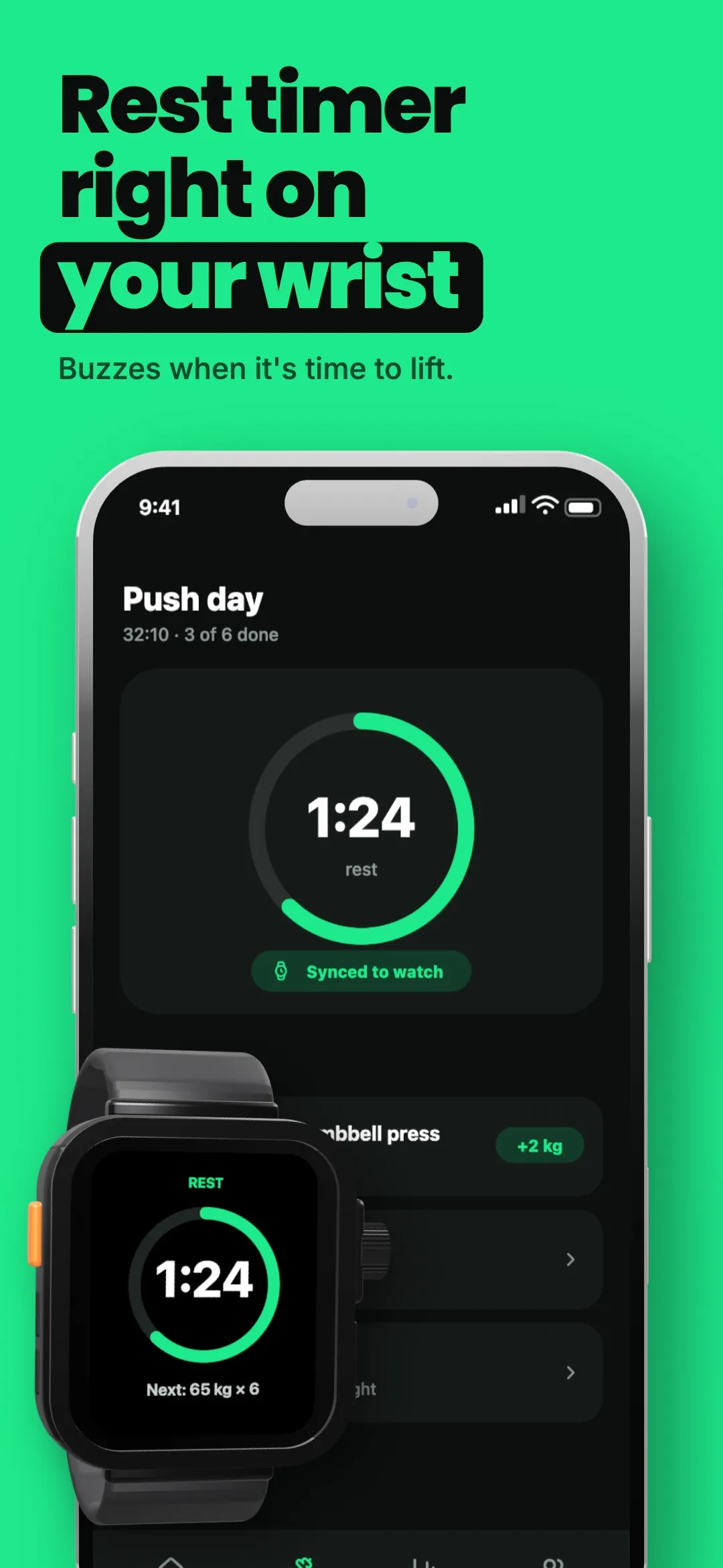
Example export
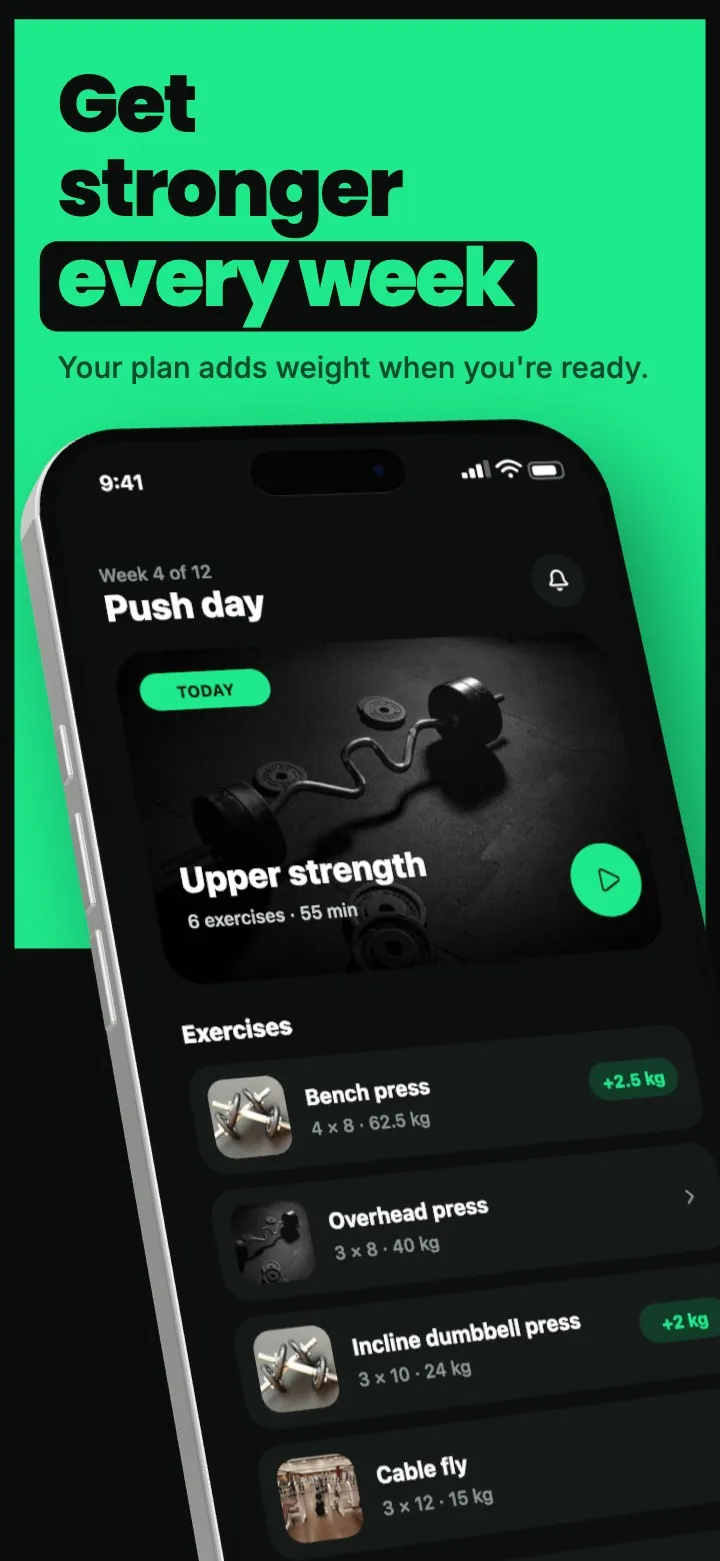
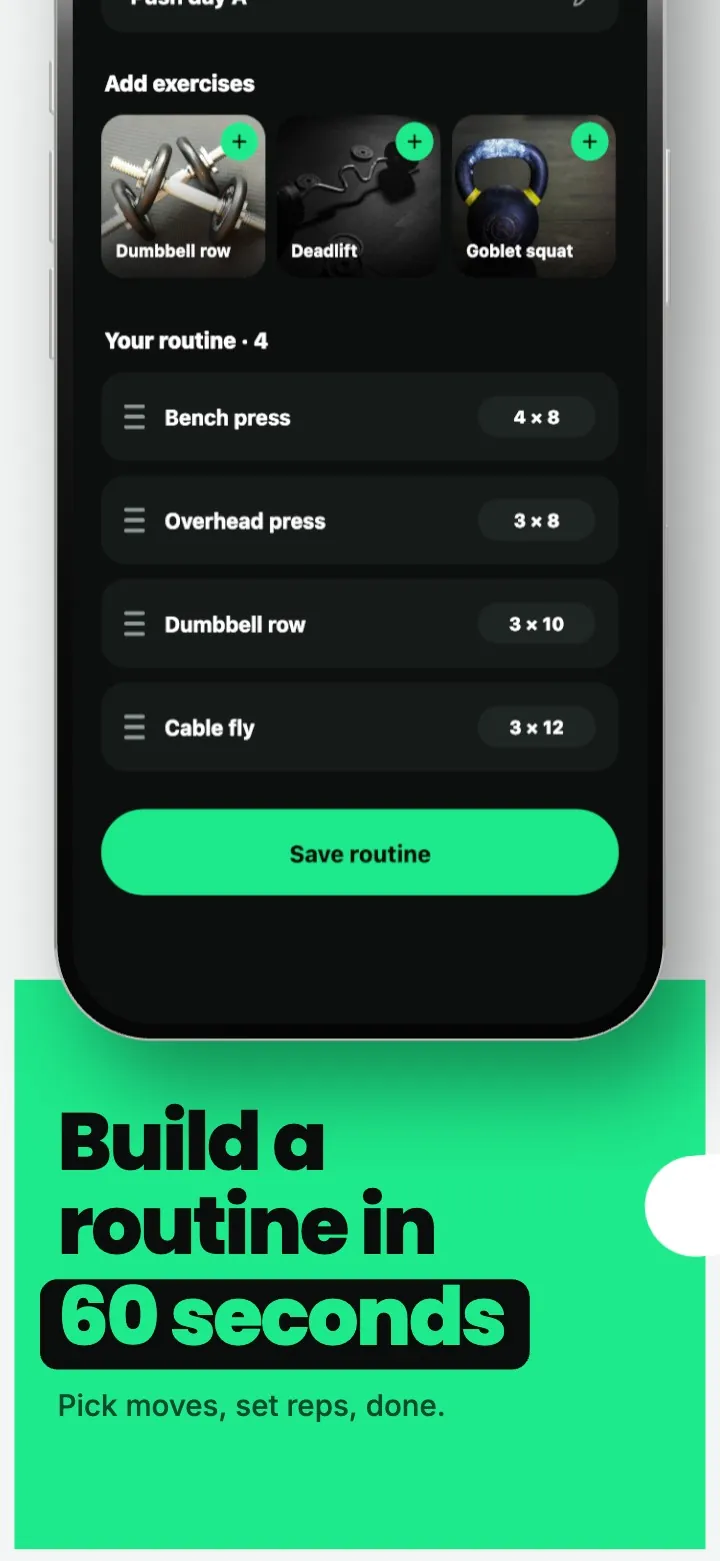
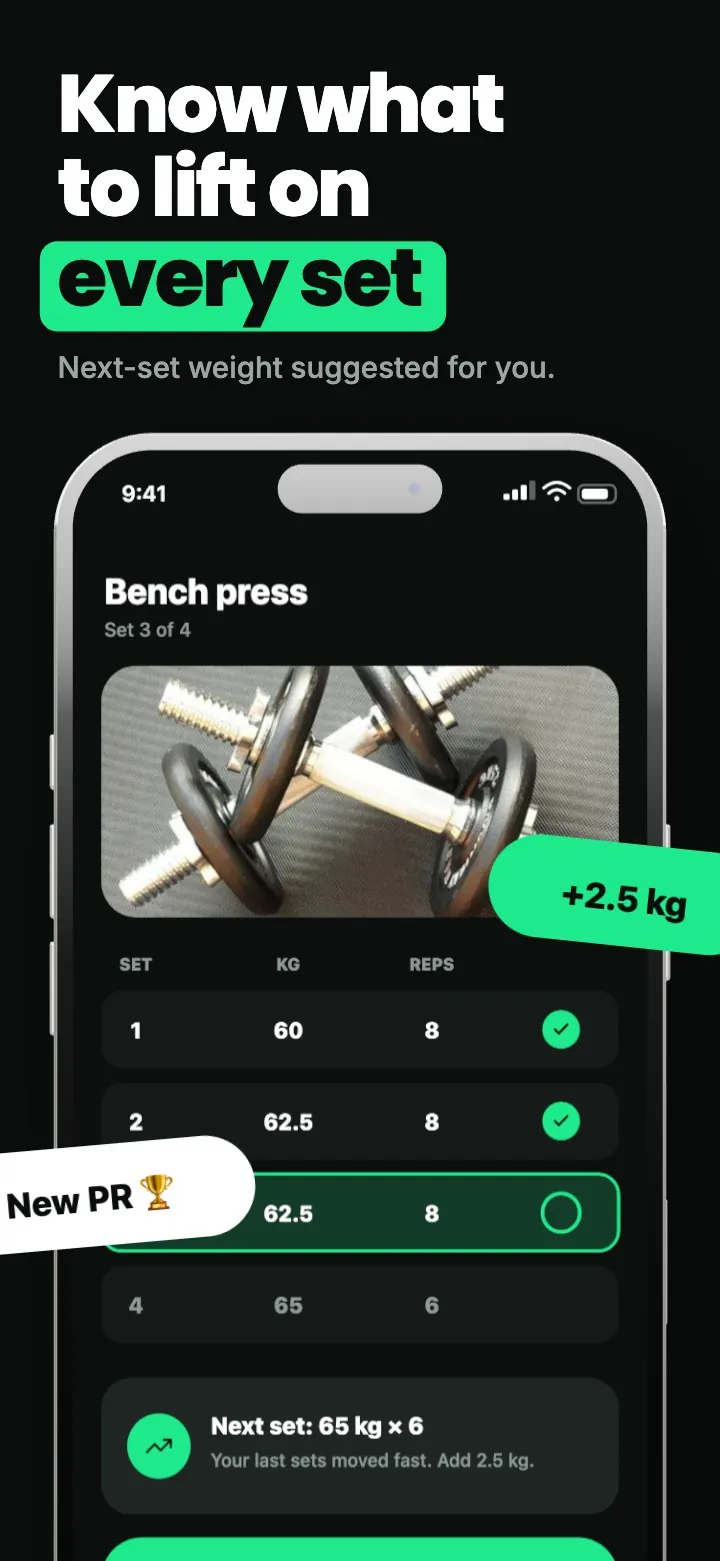
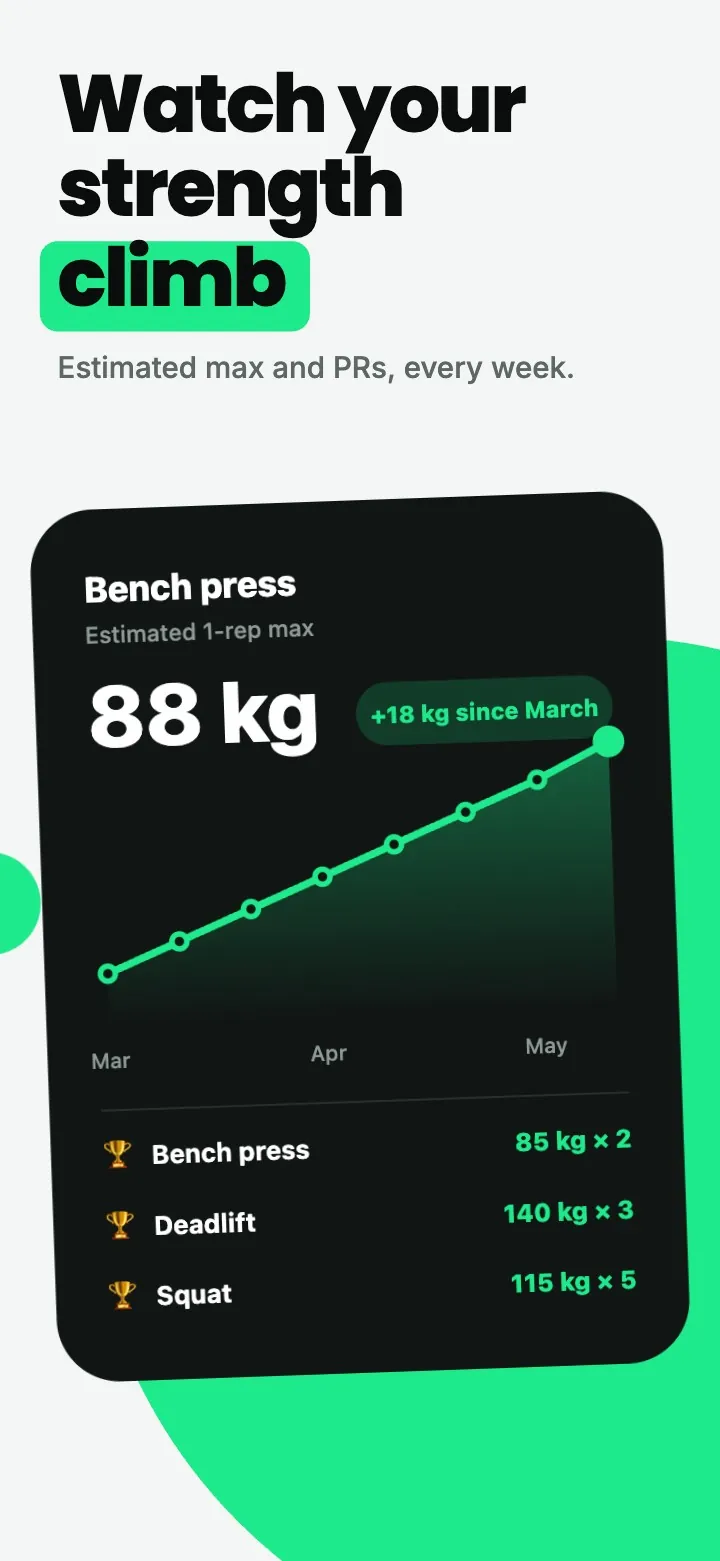
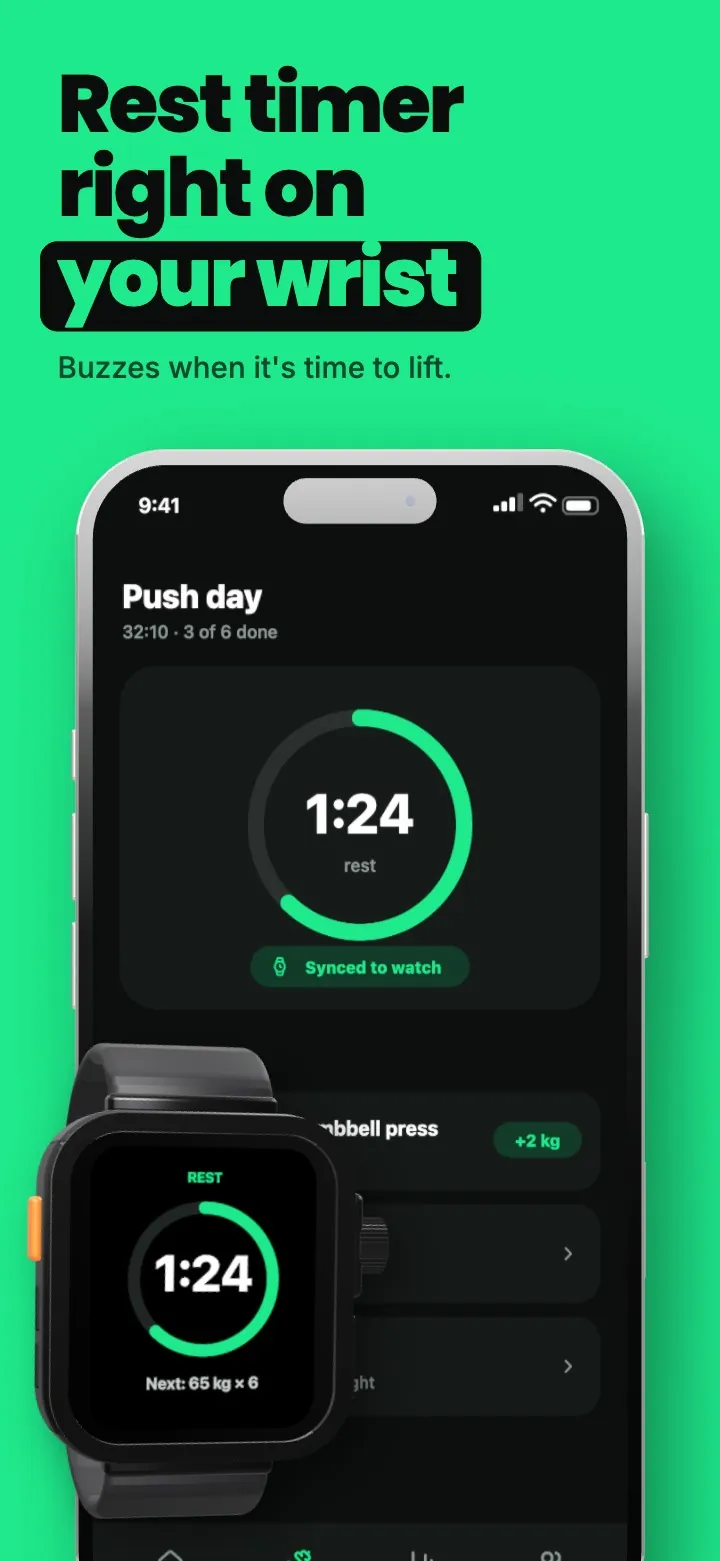
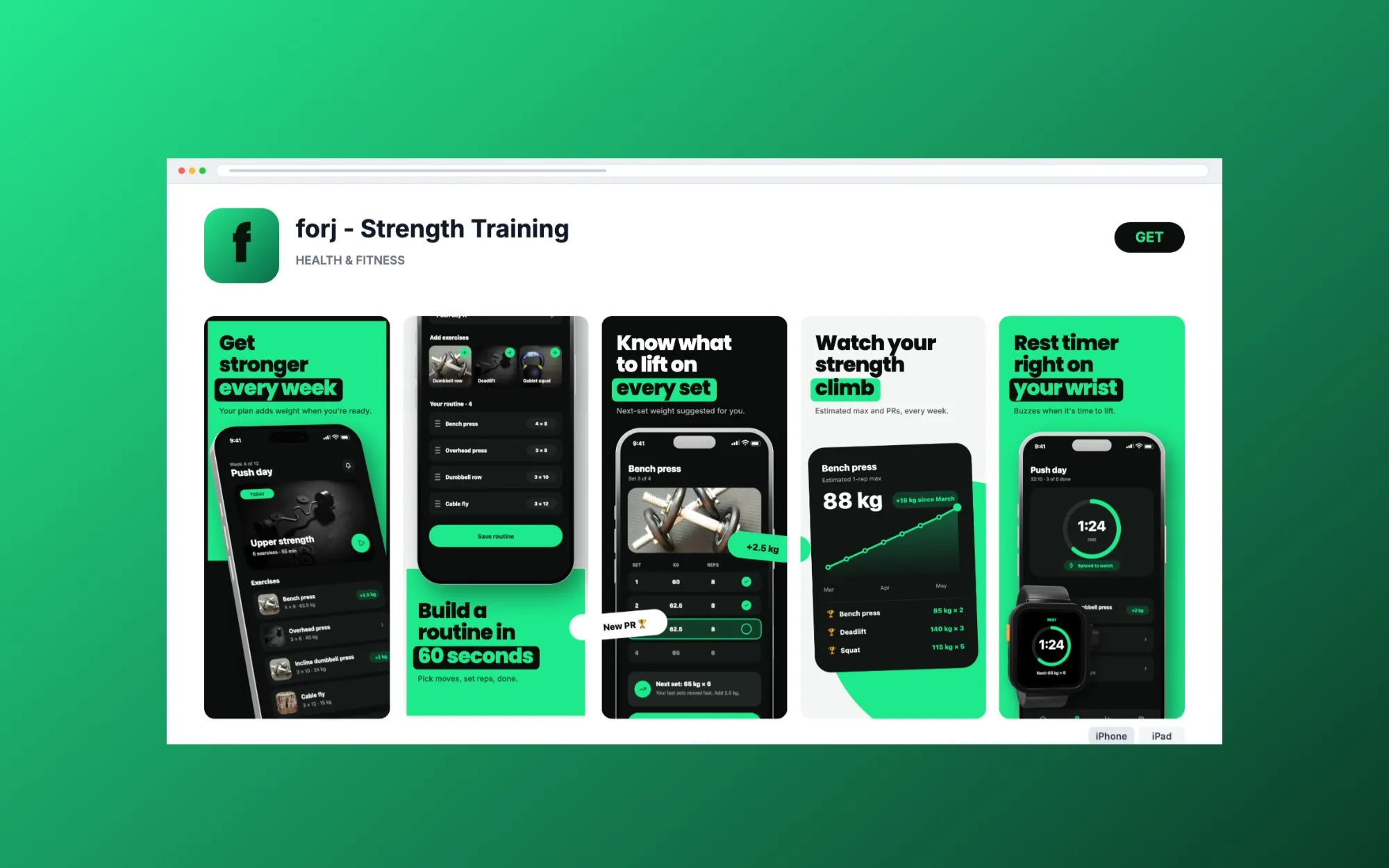
Five screens for forj, a strength-training app, exported at 1290 × 2796 and ready to upload.
Localization
Pick the store languages you ship in and translate each headline in place. Every language inherits the base design, so you only change what is different: the copy, a font size that fits a longer word, even the app screenshot itself. How localization works
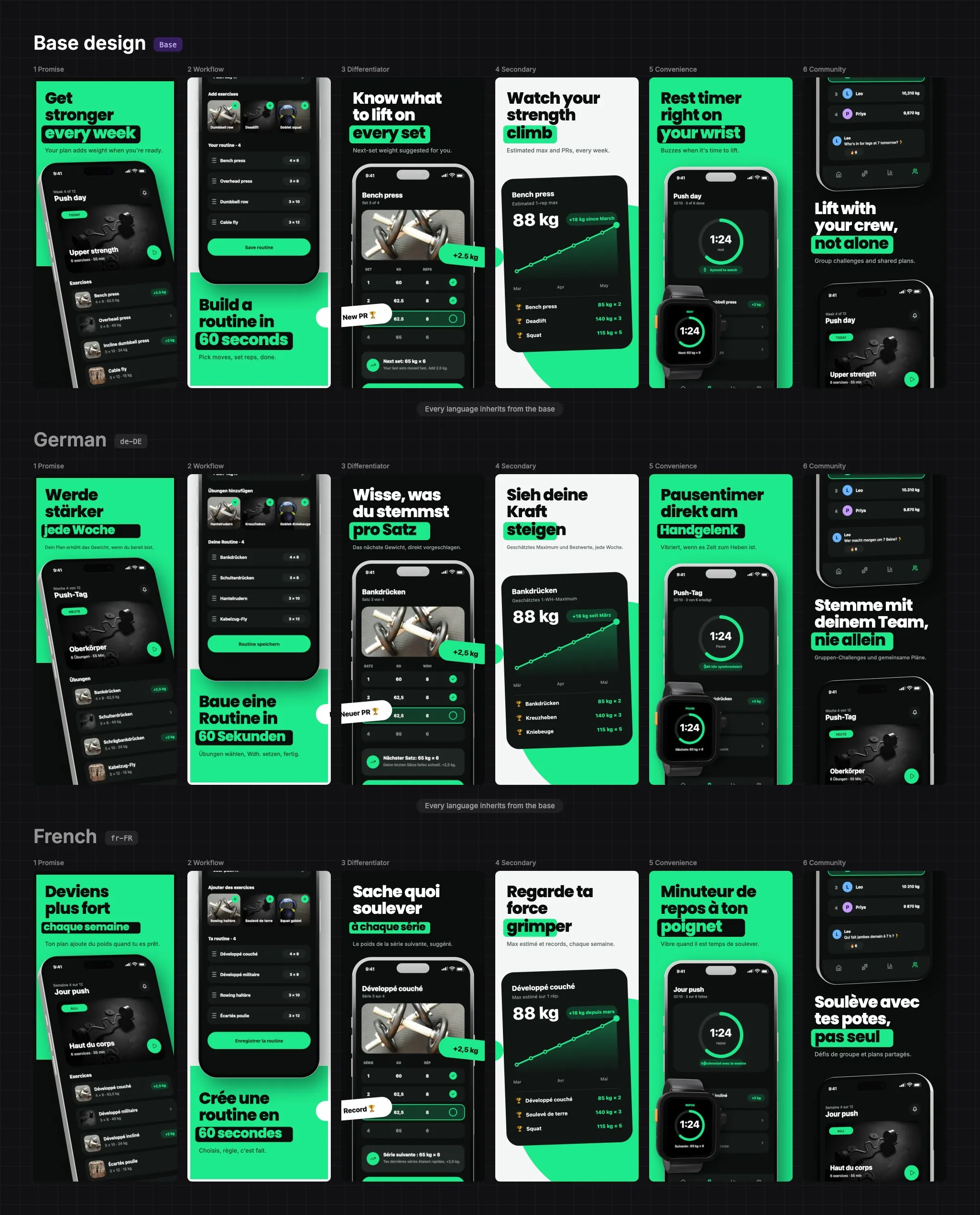
The locales App Store Connect and Google Play accept, from English (US) and German to Japanese and Arabic.
Each language patches the base design. Edit the base and every language follows, except the properties you overrode.
Translate copy, resize it to fit a longer word, or swap the app screenshot and background for one language alone.
Arabic and other right-to-left scripts render with the correct text direction in the editor and the export.
Export
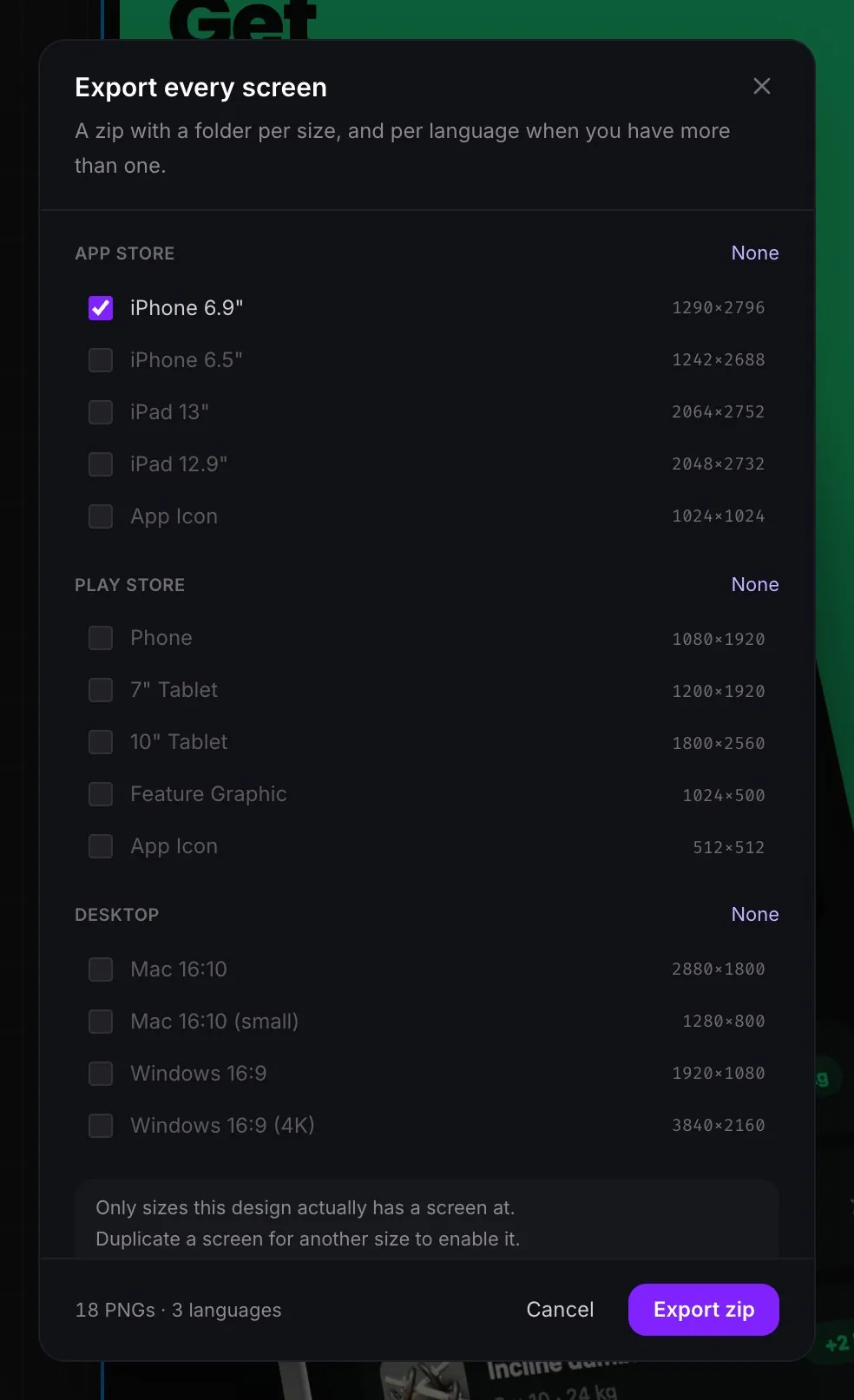
Export a zip with a folder per language, or write the exact tree fastlane reads and upload with one command. Sizes are the store's real dimensions, so App Store Connect accepts them without resizing. See every App Store and Google Play size, or the fastlane export.
forj.zip
  en-US/
    iPhone-6.9-1290x2796/
      01-Promise.png
      02-Workflow.png
      03-Differentiator.png
    iPad-13-2064x2752/
      01-Promise.png
  de-DE/
    iPhone-6.9-1290x2796/
      01-Promise.png
      ...

# one folder per language, then one per store sizeMade in AppReleaseKit
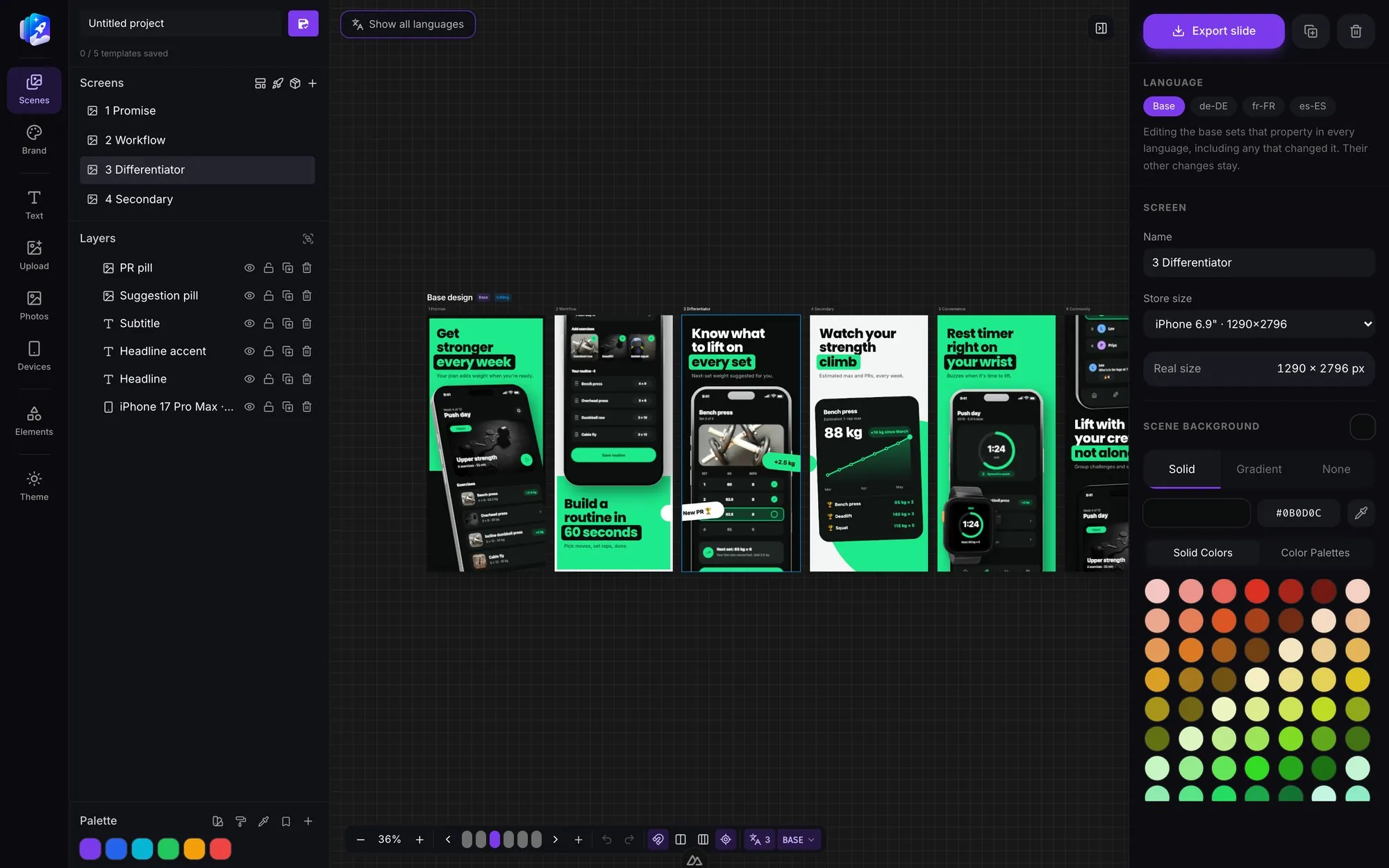
Everything in one canvas
Every piece of a store screenshot - the device, the background, the headline, the little badge that makes it feel real - is an editable layer.
Badges, ratings, buttons, charts, device frames and app screens. Drop one in, then change the words and colors to match your app.
One click gives you a zip with every screen at every store size and in every language, named and ready to upload.
Templates
Ready-made App Store screenshot templates for fitness, finance, travel, language learning and more. Pick one, swap in your screens and copy, then localize and export.
Real 3D frames
Every phone and laptop is a real model on the canvas. Choose any position you like - grab a preset, drag the device to spin it, or type the exact angle. Your screenshot stays mapped to the screen the whole time.
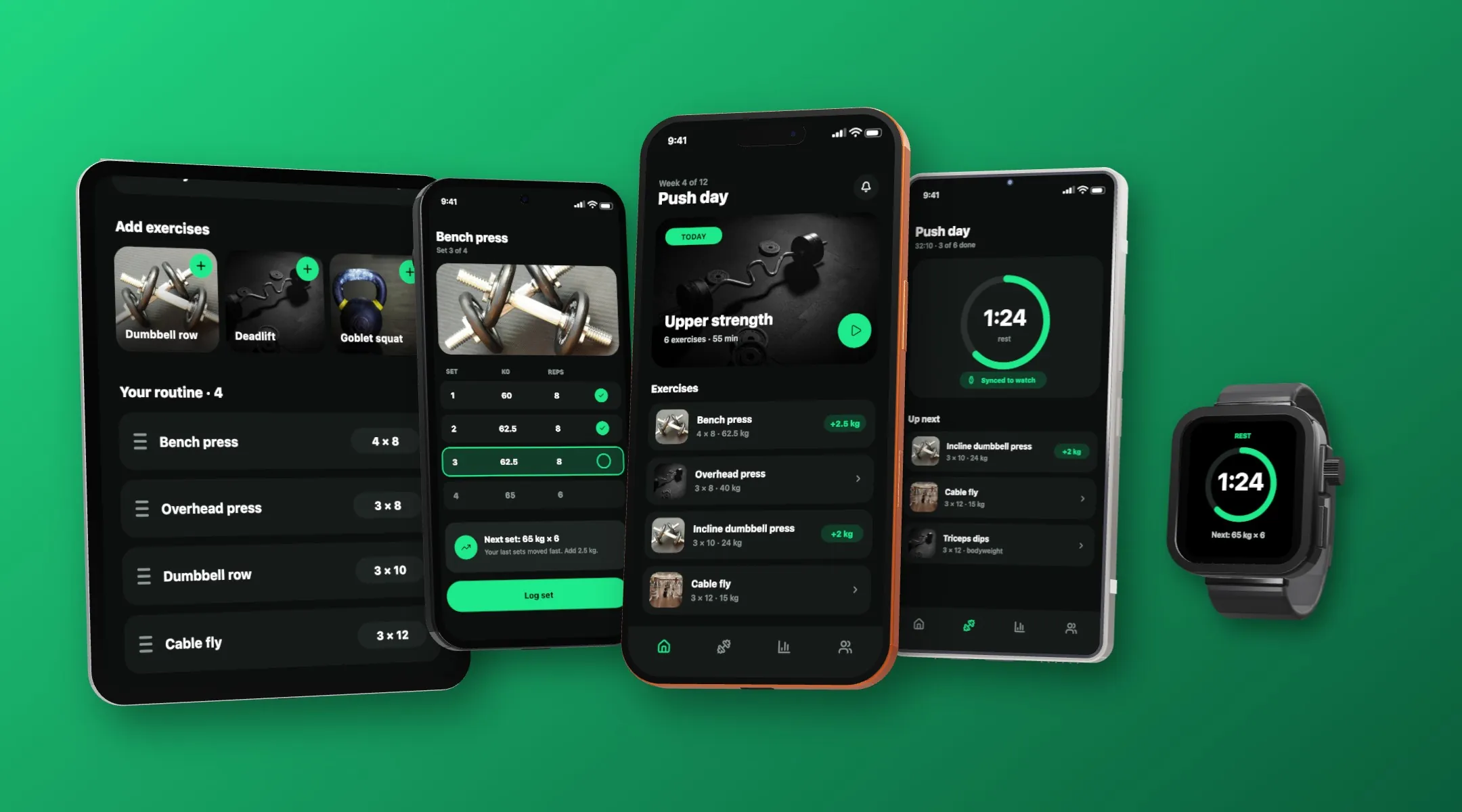
Show the whole product in one screenshot. Put a phone, tablet and watch side by side, tilt each to its own angle, and map a different screen onto each one. Every one stays a real 3D model, so the lighting and shadows match.
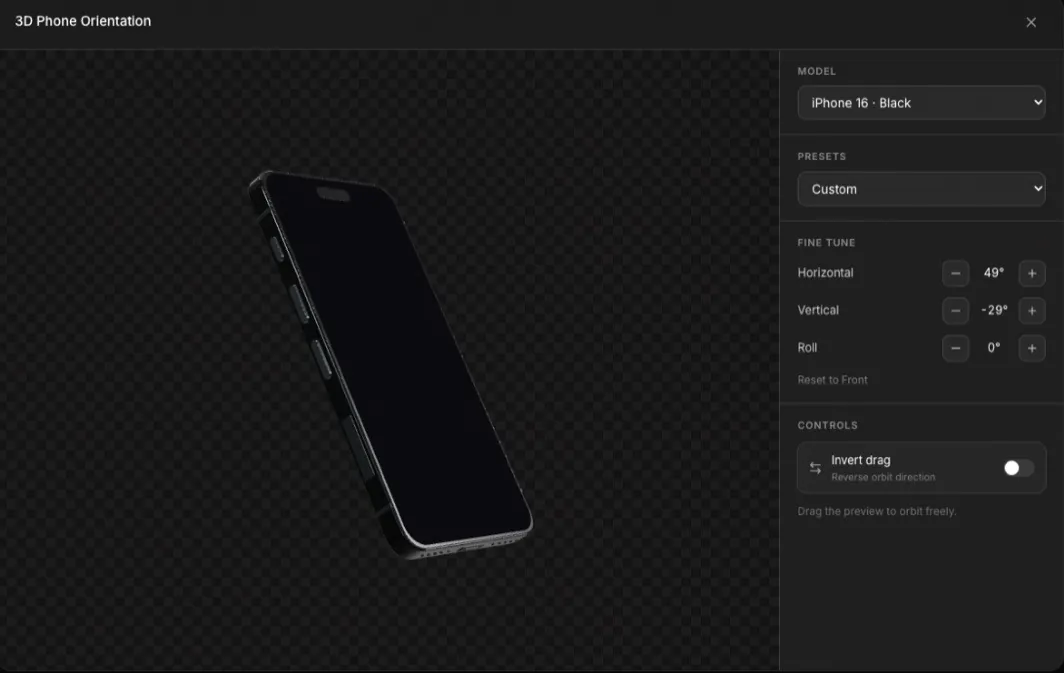
iPhone and Samsung Galaxy models in real 3D - presets for the common angles, or fine-tune horizontal, vertical and roll a degree at a time.
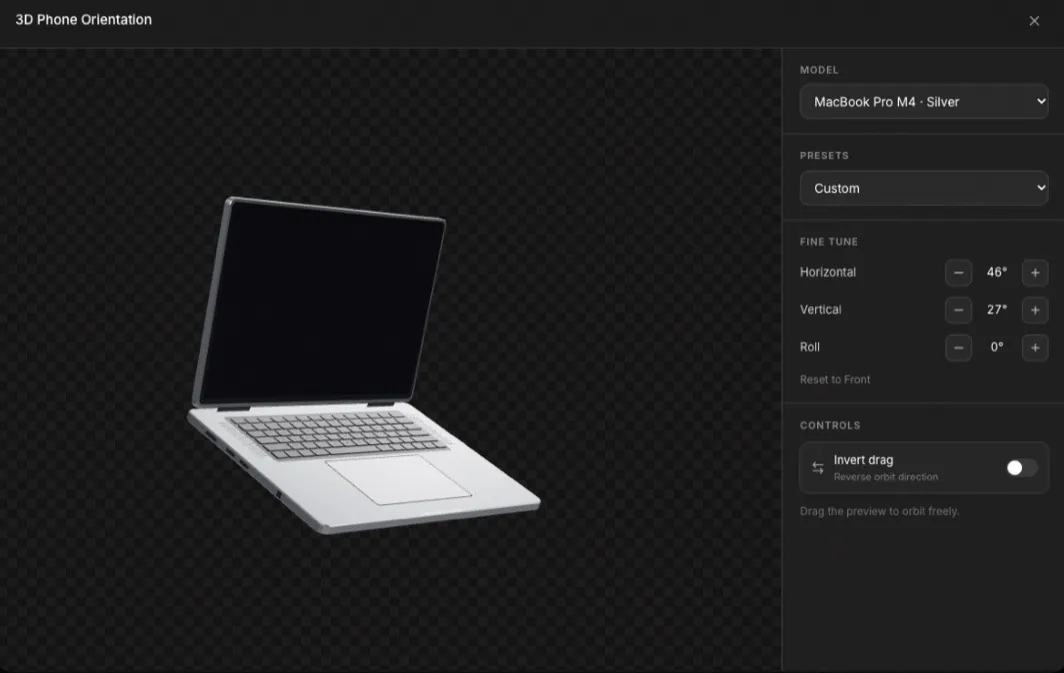
The same controls for a MacBook Pro in three finishes - for Mac App Store shots and landing-page heroes.
Free to start
Bring your screenshots, pick a device, and export the full set. No credit card.
Start designing freeBrowser & desktop mockups
Safari, Chrome on Mac and Windows, and plain app windows. Drop in a landing page, a web app or a store listing and it arrives with the chrome already on it.
Cross-scene elements
Mark anything as cross-scene and it spills into the screens beside it. The store shows separate images. The shelf reads as one panorama, and each screen still exports on its own, at its own store size.
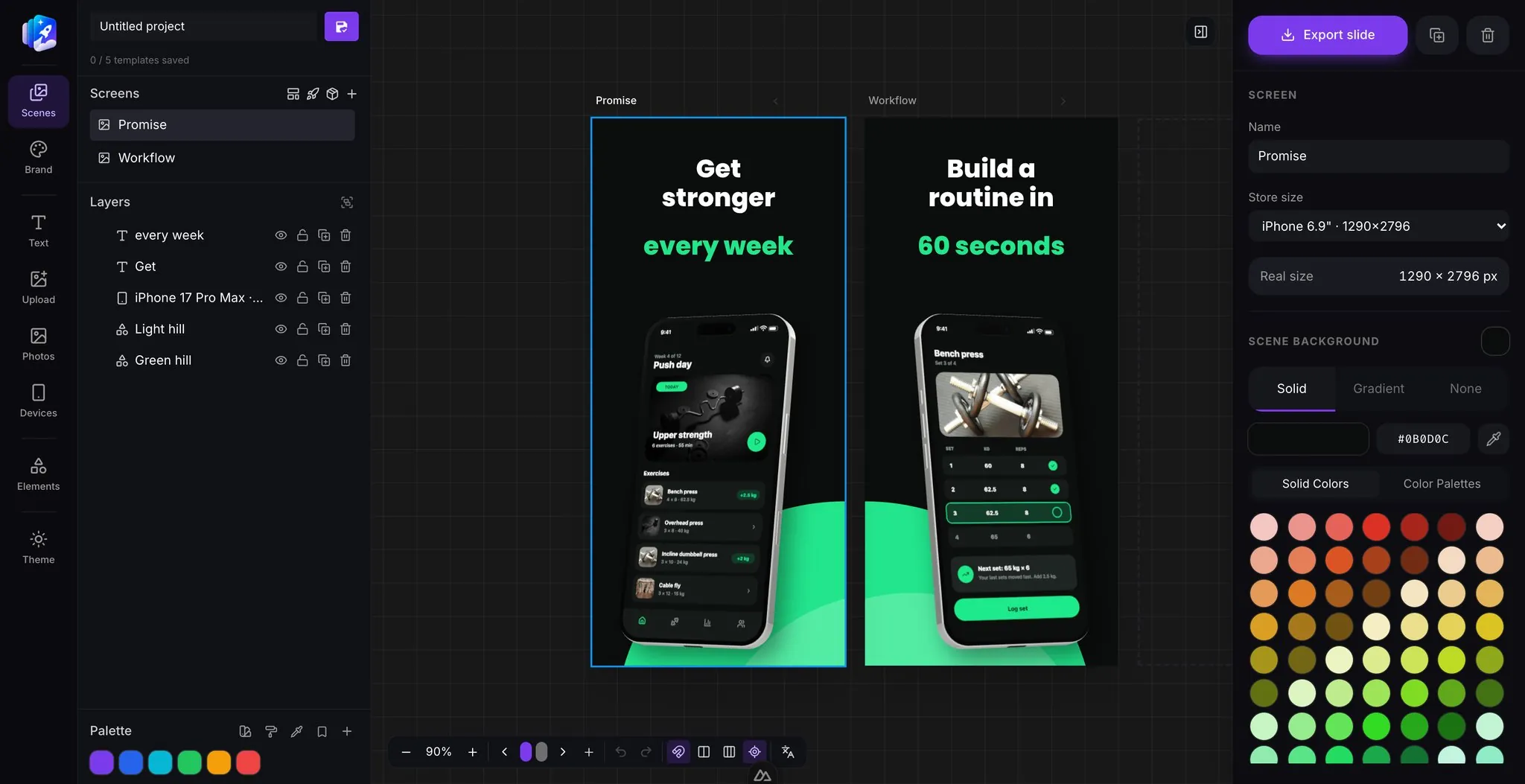
Drag a cross-scene layer and it moves through every screen at once. Turn it off and the layer snaps back to the screen that owns it - nothing else moves.
Backgrounds & color
Give every screen a solid color or a gradient, pick a palette and recolor the whole set at once, or pull a palette straight out of a design you already like. Each screen keeps its own background, so a set can shift color as the story goes on.
Saved
Built-in
Keep the colors you actually ship at the top of the menu, then load them into any design in one click.
Built-in
Curated sets that already work together - pick one and recolor every screen at once.
A full swatch grid, a hex field, and an eyedropper for sampling anything already on your screen.
Brand kit
Save Primary, Secondary and Accent to your account, not just one design. Every new screenshot set starts pre-loaded with them, and every color picker in the editor offers them by name, so you never hunt for a hex code twice.
Brand colours
Primary, Secondary, Accent, or whatever you call your own palette. Add as many as you need.
A brand new design opens with your colors, fonts and background already applied. Nothing to restyle from scratch.
Your colours
Every color field in the editor offers your named colors first, above the built-in swatches and palettes.
The element library
Twelve categories, every item editable down to its colors and corners.
iPhone, Galaxy and MacBook, in 3D
Safari, Chrome, Mac & Windows
Status bars, nav bars, skeletons
Badges, buttons, cards, charts
Characters, doodles, illustrations
Line icons in any color
Stars, cutouts, organic blobs
Frosted glass and scrims
Illustrations & stickers
Browse 6,300+ illustrations, characters, icons and emoji without leaving the canvas. Drop one in, recolor it to your palette, and it exports at every store size with everything else.
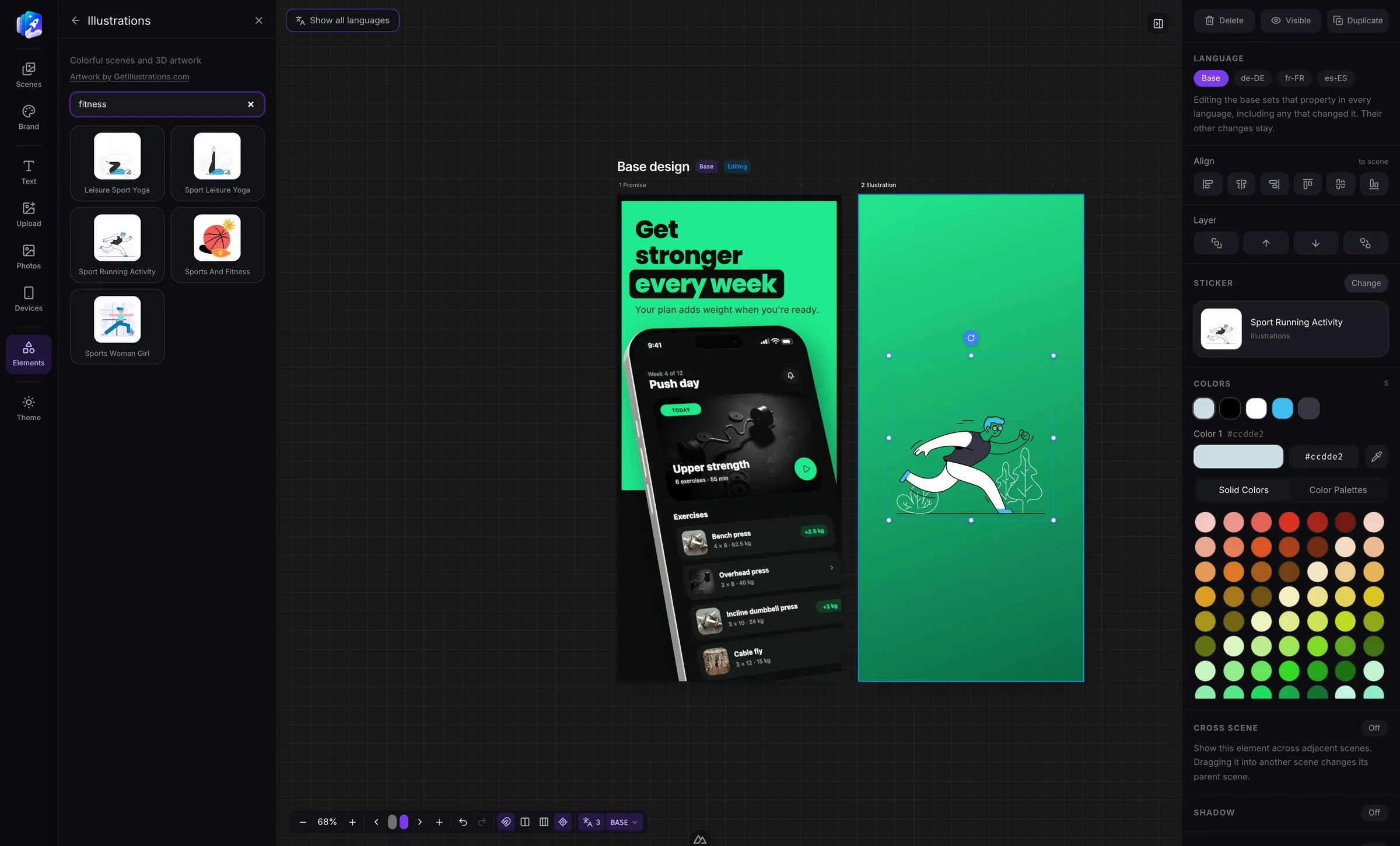
Browse the library right next to your design. Drop an illustration in, then change any color in it to match your brand - no other apps needed.

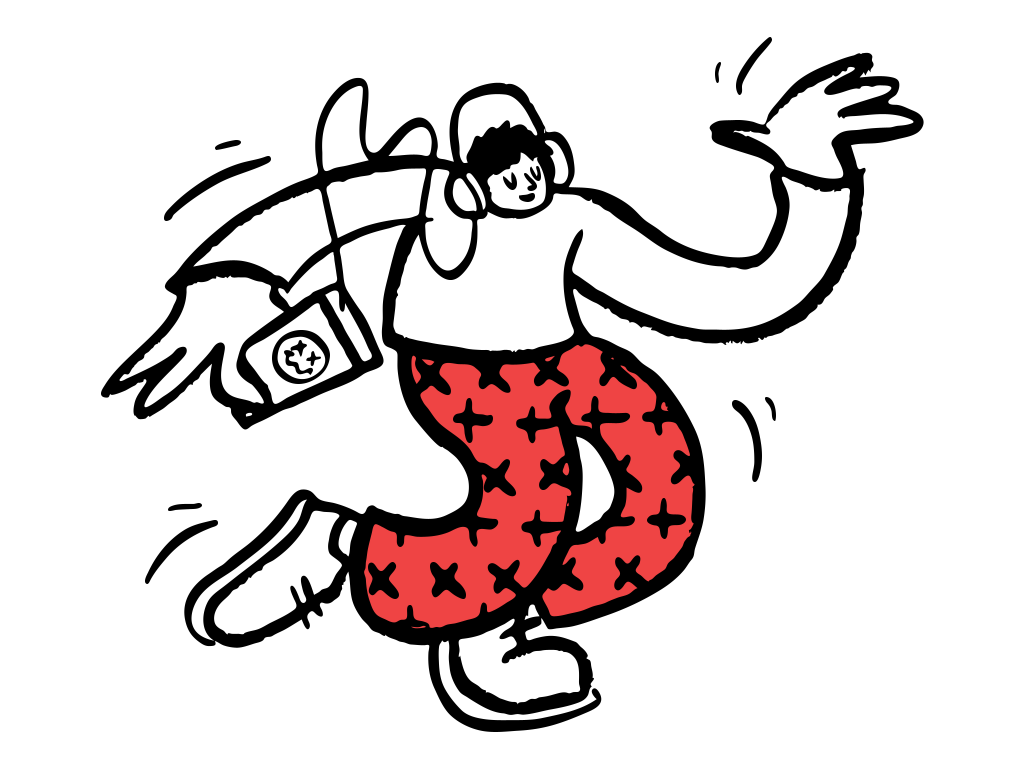
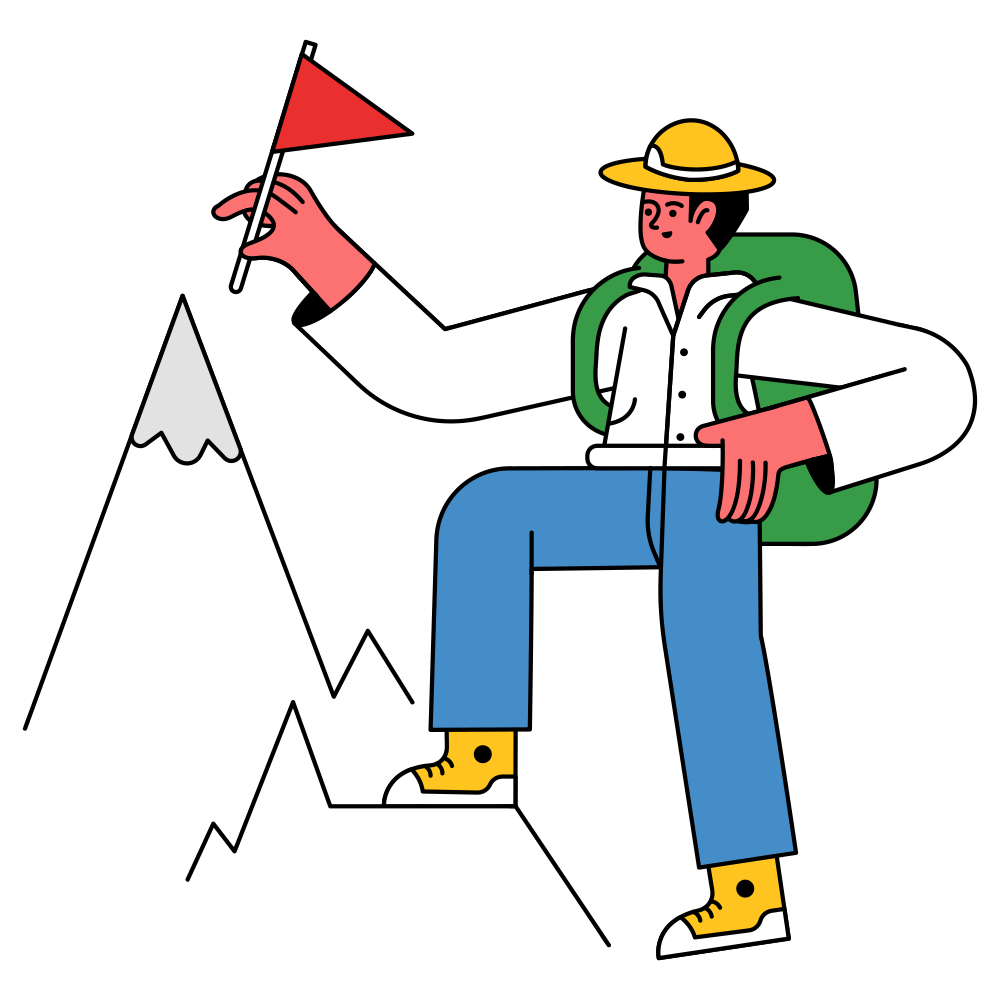

 Andy20 items
 Doodles32 items
 Illustrations332 items
 Humaaans79 items
 Icons & Emoji5,442 items
 Open Peeps322 items
Every collection is searchable, and the credit for each one sits right in the panel - Open Doodles, Humaaans, Open Peeps, GetIllustrations and more.
Three steps
Drop in an iPhone, Galaxy or MacBook, orbit it to the angle you want, and drop your screenshot on its screen.
Add a gradient, a headline and a badge or two. Everything is a layer you can move, recolor and duplicate.
One click renders every screen at every store size and zips it up, ready for App Store Connect.
FAQ
Yes. Choose the languages you ship in, translate each headline right on the canvas, and every language inherits the rest of the design. You can override text, font size, the app screenshot and the background for a single language without touching the others.
27 store locales, including English, German, French, Spanish, Italian, Portuguese, Dutch, Japanese, Korean and Arabic. Right-to-left languages render with the correct text direction.
Every App Store and Play Store screenshot size: iPhone, iPad, Android phone, 7 and 10 inch tablets, and Mac. Each export uses the store's exact pixel dimensions, so nothing needs resizing before upload.
Yes. Export in the folder layout that fastlane deliver reads for the App Store and fastlane supply reads for Google Play, then upload with a single command.
No. Start from a ready-made template, drop in your own app screens, edit the headlines and export. There is no Photoshop or Figma step.
You can start free with no credit card. Open the studio, build a set and export it.
Open the studio, drop in a device, and have a full set exported before your coffee gets cold.
Start designing free